How to enter the BIOS on Steam Deck
In order to enter the BIOS of your Steam Deck, you can follow the procedure below.
1. Hold the Power button on your Steam Deck.
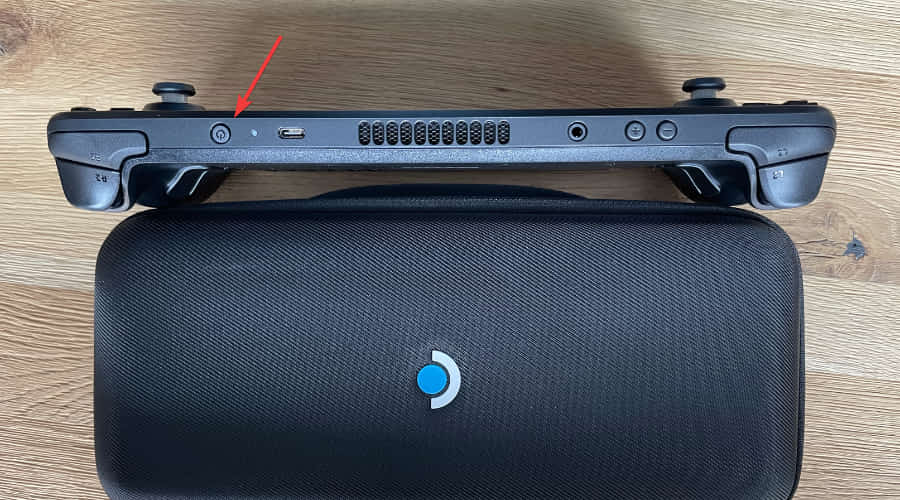
2. Turn off your Steam Deck by selecting Shut Down from the options that appear on the screen.
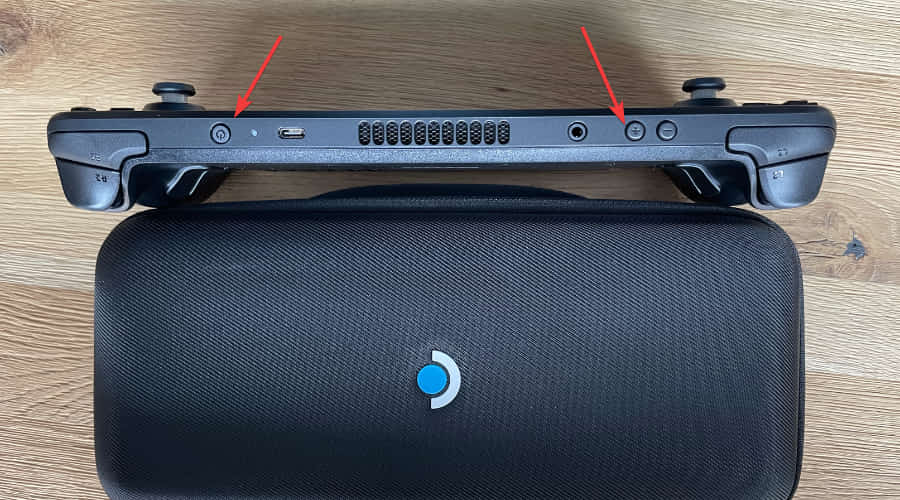
3. Press and hold the Power and Volume Up buttons until you hear a beep.
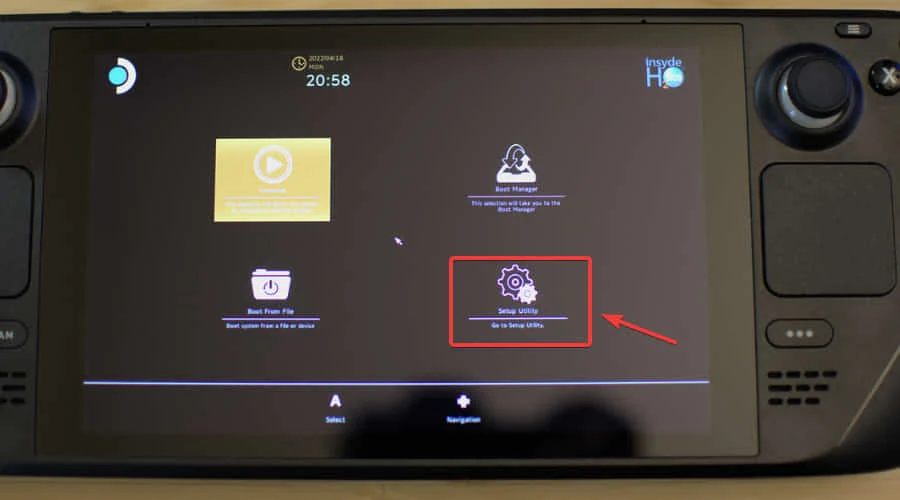
4. Select Setup Utility.
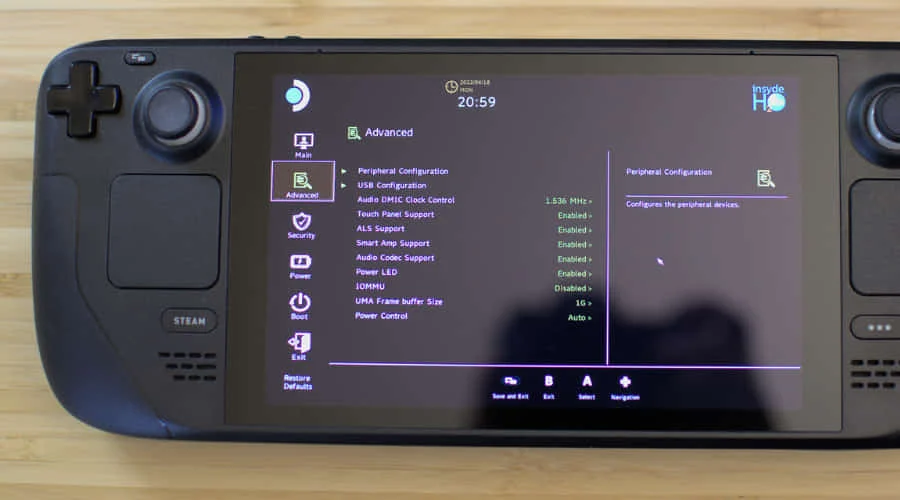
5. Tweak the desired settings.